Download
Run Cyberdise on your own servers, free
The Community edition is free and self-hosted for up to 75 users. The installation manual takes you through the setup, on your own servers or in a local cloud.
Three steps to your own instance
- 01Create a free accountSign up in the Cyberdise help center. The account is free and opens the documentation.
- 02Open the installation manualIt covers installation on your own servers and in a local cloud.
- 03Install and startCyberdise runs as a rootless Docker image, with your own phishing and training domains.
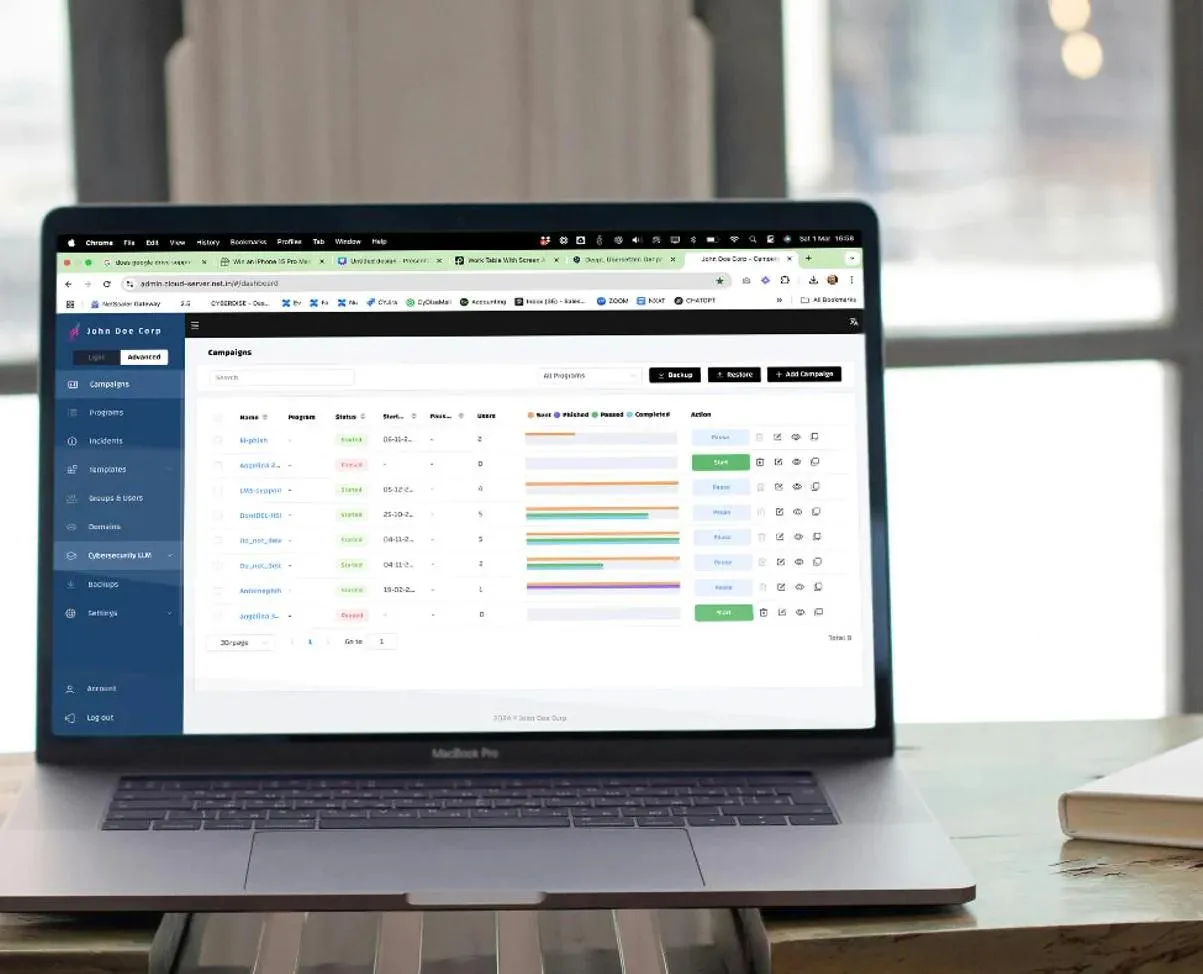
Cyberdise Community
What the Community edition gives you
Cyberdise on infrastructure you control, at no license cost for smaller teams.
- No license cost for up to 75 users.
- It runs on your own servers, with your own phishing and training domains.
- Results can be anonymized for rollouts that need works council approval.
Why do I need an account to download?
The manual sits in the help center, which needs a login. The account is free, and it also opens the rest of the documentation.
How many users can the Community edition cover?
Up to 75. For more users, or for the full platform, the paid editions can also run on your own servers as an add-on for Awareness Plus, Behavioral Defense Engineering and MSSP.
Where are the brochures that used to be on this page?
They are on the Resources page: training overviews, the study summary and the GLB case study, all as free PDFs.
Can it run in our own cloud?
Yes. The installation manual covers your own servers as well as local clouds.
Rather see it running before you install it?
We will show you the platform on a call, and what changes between the free and paid editions, in an hour or less.
Book a demoSee pricing