What changed in Cyberdise, release by release.
The highlights of each release, newest first. The complete notes, with every improvement and setting, are in the Knowledge Base.
Simulations that land in the inbox, and users who keep their history
Simulated emails now reach Microsoft 365 inboxes directly, past spam filters and transport rules. People who leave are archived instead of deleted, so their results stay in the campaign statistics.
- Direct Message Injection for Microsoft 365, through the Graph API
- Active, archived and deleted users, with an optional retention period
- A user import wizard for XLSX and ODS workbooks, with a preview
- Report a Phish routing, shared mailboxes, and Exchange on premises through EWS
- User portal sign-in through SSO or password, with MFA if you require it
Vishing, and campaigns that schedule themselves
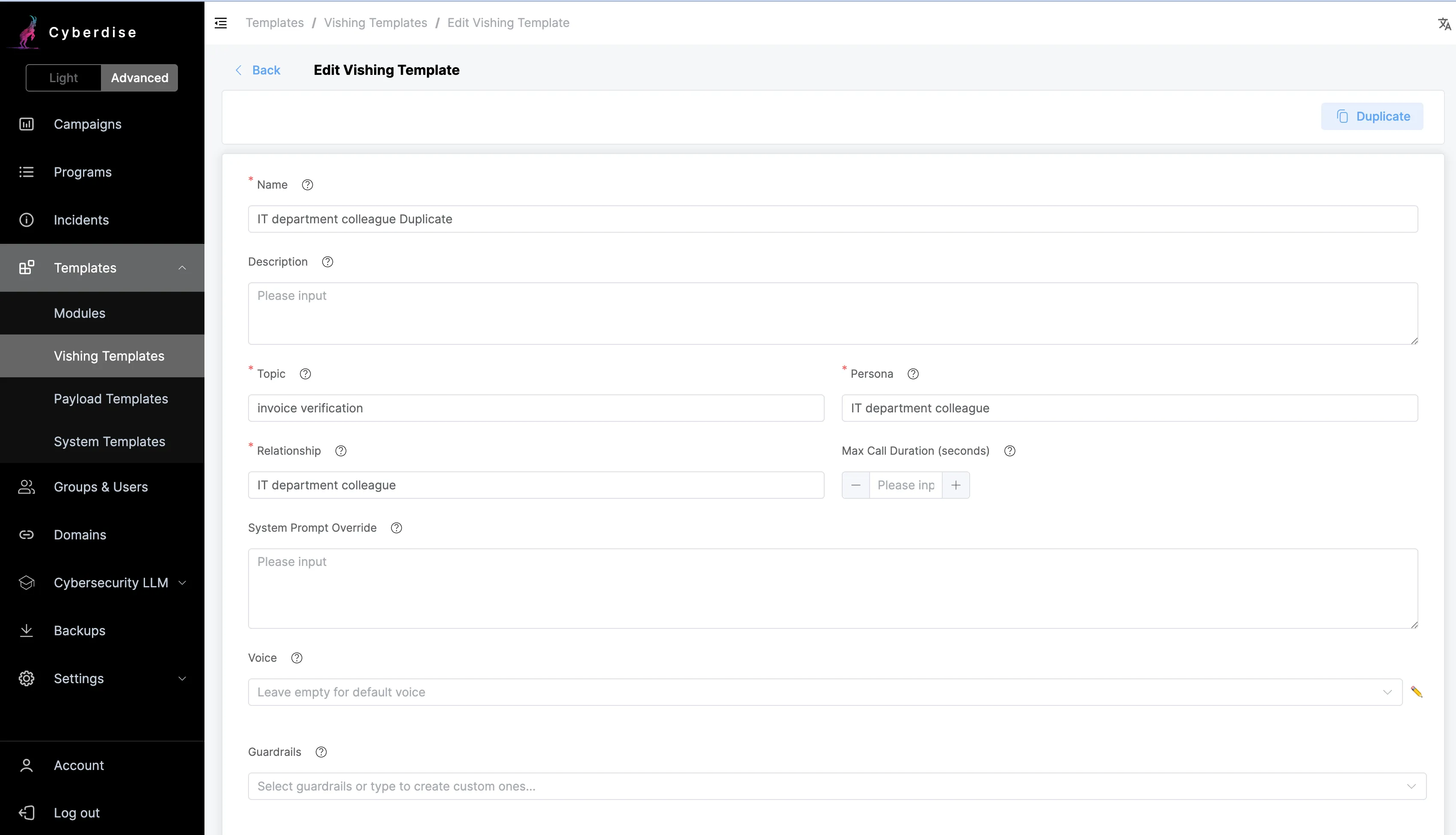
Voice phishing joins email and SMS as a simulation channel. The calls are AI driven, in the voice and language you choose, and every one runs under consent management with an audit trail.
- Vishing simulations with configurable voice, language and persona
- Consent management and auditable tracking for every call
- Relative scheduling, which times each module from the day a user joins the campaign
- CSV user import can be switched off per tenant
- User portal login can be limited to SSO
Reports you can hand to a board
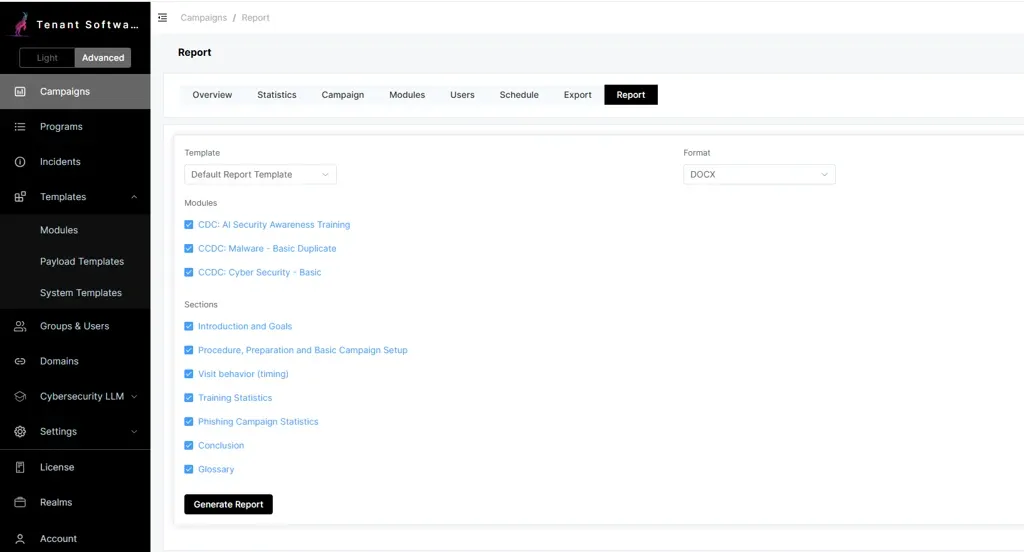
A campaign report now comes out of a template, with your branding and the sections you pick, ready to hand to a board or an auditor as Excel, Word, PDF or HTML.
- Printable campaign reports from editable, branded templates
- A Report a Phish button for Gmail on the web, Android and iOS
- Reporting by forwarding to cyberincident at your own domain, from any mail system
- AI translation of templates inside a campaign
- Bahasa Malaysia as a system language
A risk score for every reported email, and a new user portal
An AI agent analyzes each email reported through the Cyberdise add-in and scores how likely it is to be phishing. The score sits in the Incident Console, and the person who reported the email gets an answer without anyone writing one.
- An Email Risk Score for every reported message
- Automatic, configurable feedback to whoever reported it
- Your own OpenAI key, to control AI usage and cost
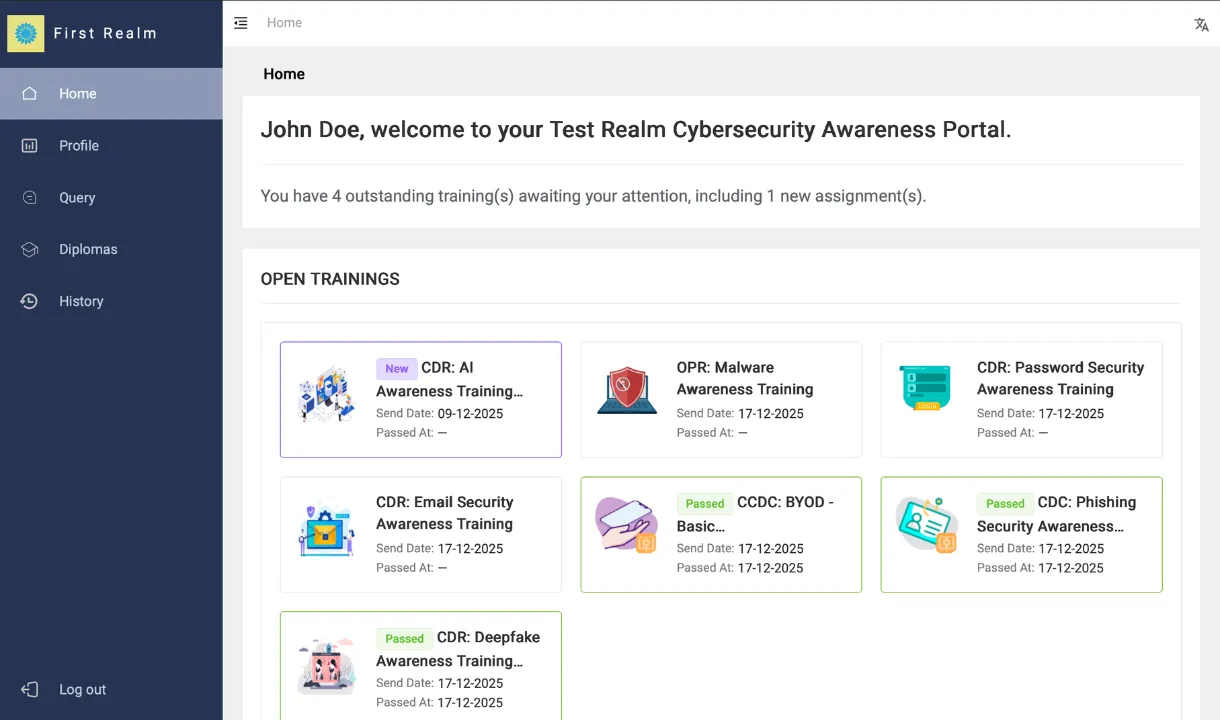
- A redesigned user portal where open trainings start from the home page
- The report add-in in 16 languages
Nineteen releases before V3.0
From the first production version in October 2023 to October 2025. Open one for the highlights.