Skip to content
Topic

Simulation

Public web context and current attack intelligence flowing into a realistic phishing exercise
PhishingLeverage the Dark Side of the Web for the Better

CYBERDISE uses dual-use OSINT to connect the context of your employees with the attacks they may encounter. Public information helps shape relevant exercises, and intelligence about current attacks keeps them up to date. The result is a practical way to prepare people for realistic situations while reducing the work of researching and building new scenarios.

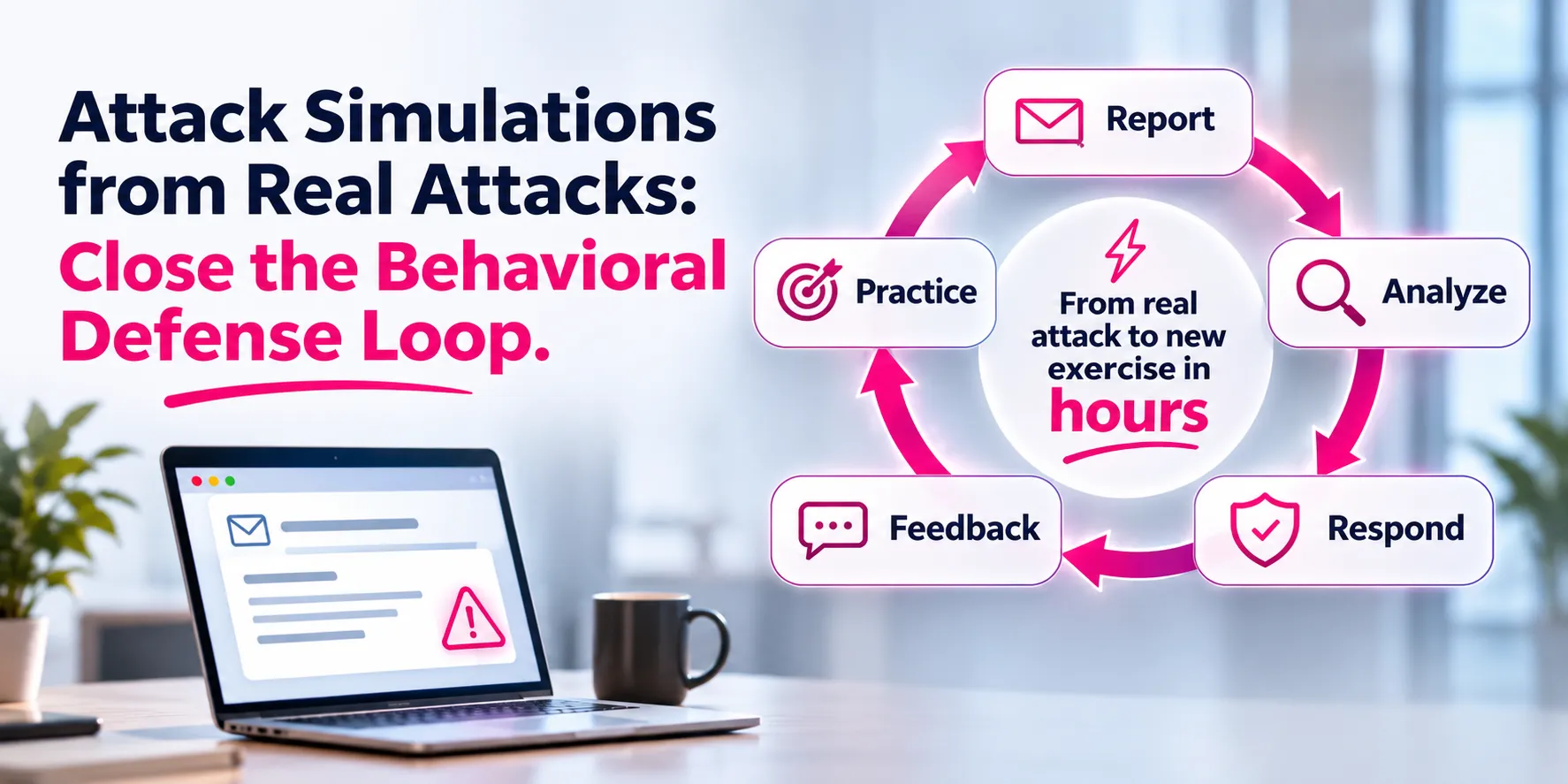
Diagram: an employee reports an attack, the SOC or platform classifies it, the attack is rebuilt as a safe exercise, and colleagues practice it
PhishingPhishing Simulations from Real Attacks: Practice Better Decisions

A phishing report reveals a decision other employees may face tomorrow: whether to approve a payment, enter credentials or follow an unusual instruction. Cyberdise connects that report with security response, useful feedback and a safe exercise, so you can see how people respond when the same tactic returns with a different story. We call this approach Behavioral Defense Engineering.

Two CYBERDISE phishing simulation templates: a shared document behind a fake Cloudflare CAPTCHA (ClickFix), and a fund release portal from the fictional Royal Kingdom of Zuvania
Phishing4 Phishing Simulation Templates for Human Defense Month 2026

From ClickFix to the Prince of the Royal Kingdom of Zuvania ;-) Four phishing simulation templates for Human Defense Month 2026, ready to import into CYBERDISE. Because phishing doesn’t always have to be boring.

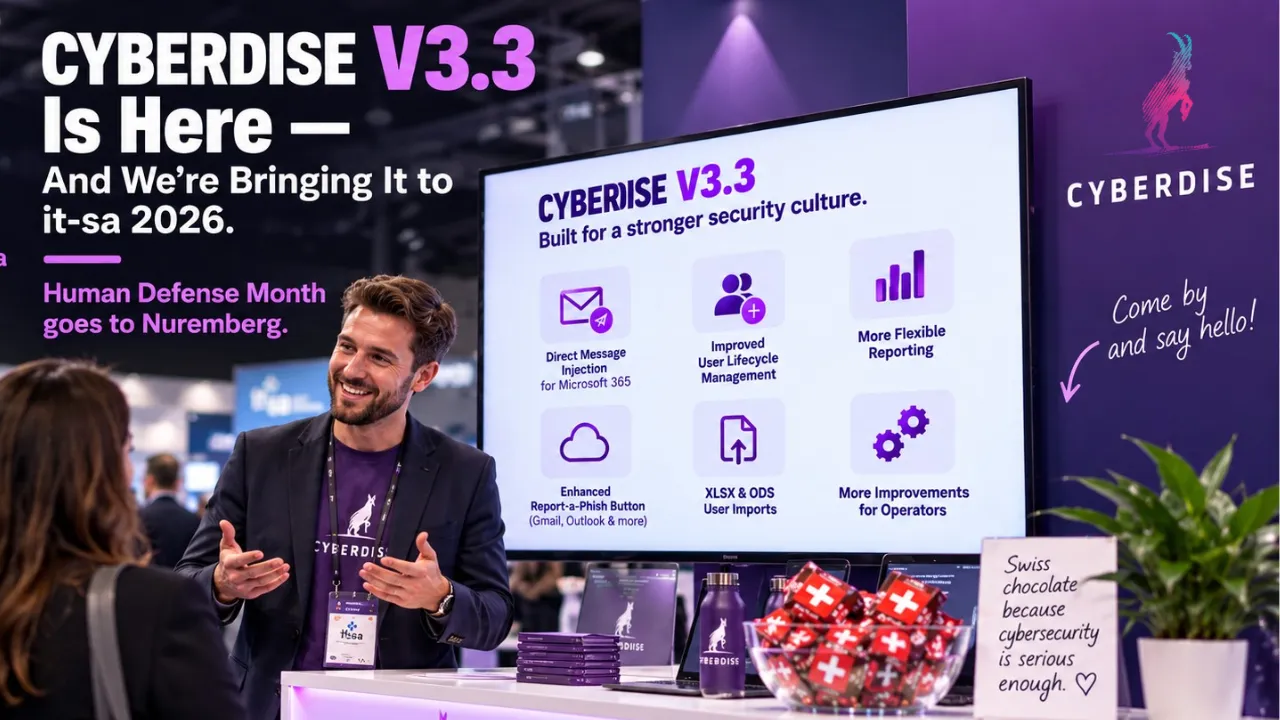
CYBERDISE V3.3 release banner with it-sa 2026 booth details, Hall 7, Booth 301a
ProductCYBERDISE V3.3 Is Here - And We’re Bringing It to it-sa 2026

CYBERDISE V3.3, our Human Defense Month release, is out: direct Microsoft 365 delivery for phishing simulations, a more flexible Report-a-Phish button and easier user imports. See it live at it-sa 2026 in Nuremberg, 27–29 October, Hall 7, Booth 301a.

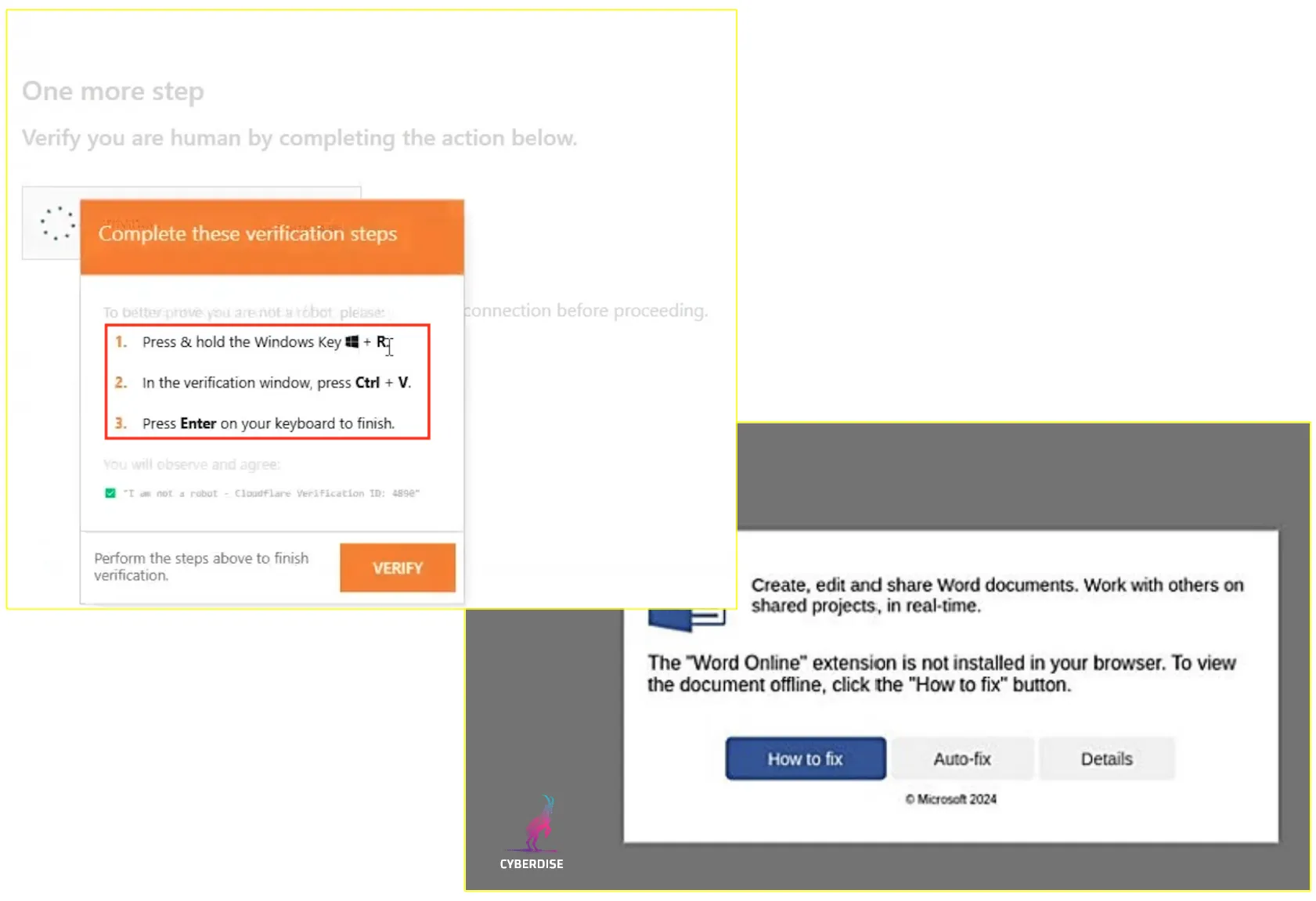
Two example ClickFix lures: a fake verification page telling the user to press Windows + R, then Ctrl + V and Enter, and a fake Microsoft Word error with a "How to fix" button
Social EngineeringClickFix: when the user runs the attack

ClickFix does not ask employees to open a malicious attachment. It guides them through what looks like a routine repair or verification step until they execute the attack themselves. Here is how to build a ClickFix simulation in Cyberdise Awareness — from scenario selection to delivery and measurement.

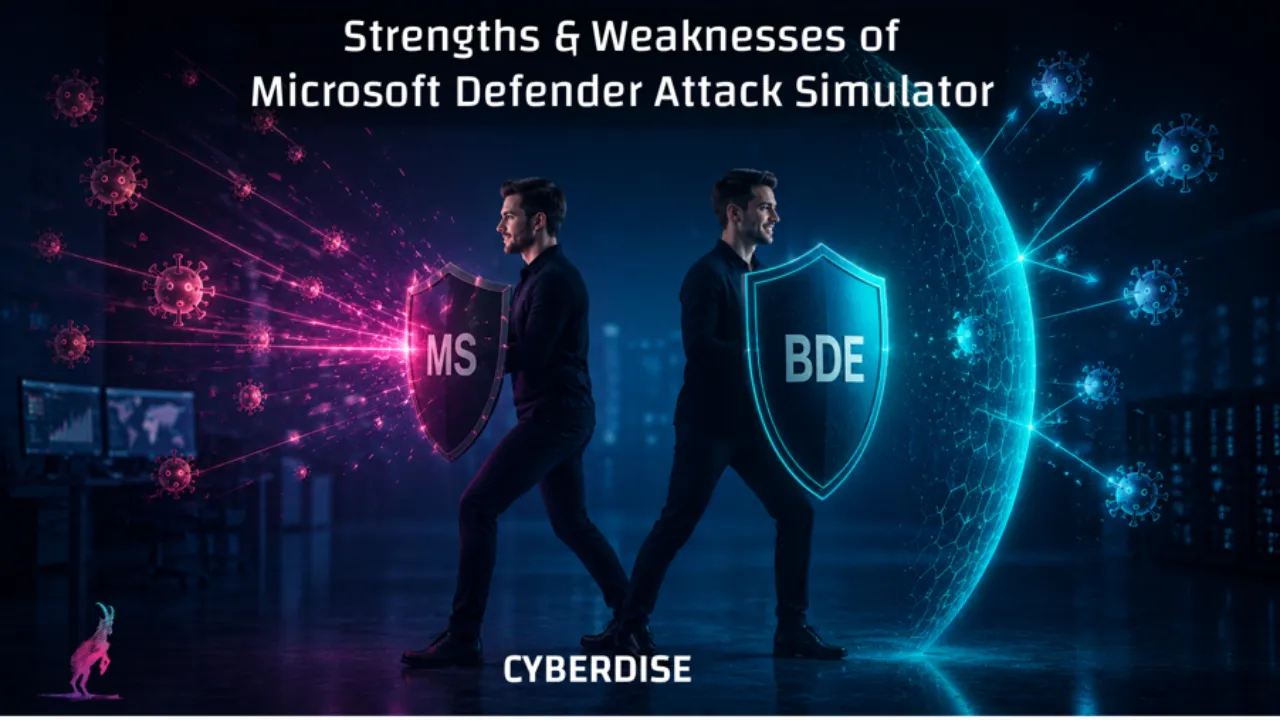
Title card "Strengths & Weaknesses of Microsoft Defender Attack Simulator": two men holding shields labelled MS and BDE against incoming attacks
ComparisonsDefender Attack Simulator: strengths and limits

Microsoft Defender for Office 365 ships with its own phishing simulation and awareness platform. In some areas it is very good. In others, structural limits appear very quickly. This is a deliberately balanced look at both sides.

Two men back to back: a frowning one with a small "MS" shield takes hits, a smiling one blocks attacks with a big "AW" shield
ComparisonsMicrosoft Defender Attack Simulator - What is Wrong With It?

Microsoft Defender Attack Simulator is included with E5 licenses, and several German and Swiss mid-sized companies have let their awareness vendor contracts expire to rely on it instead. Organizations that genuinely care about attentive, well-sensitized employees are not well served by it.

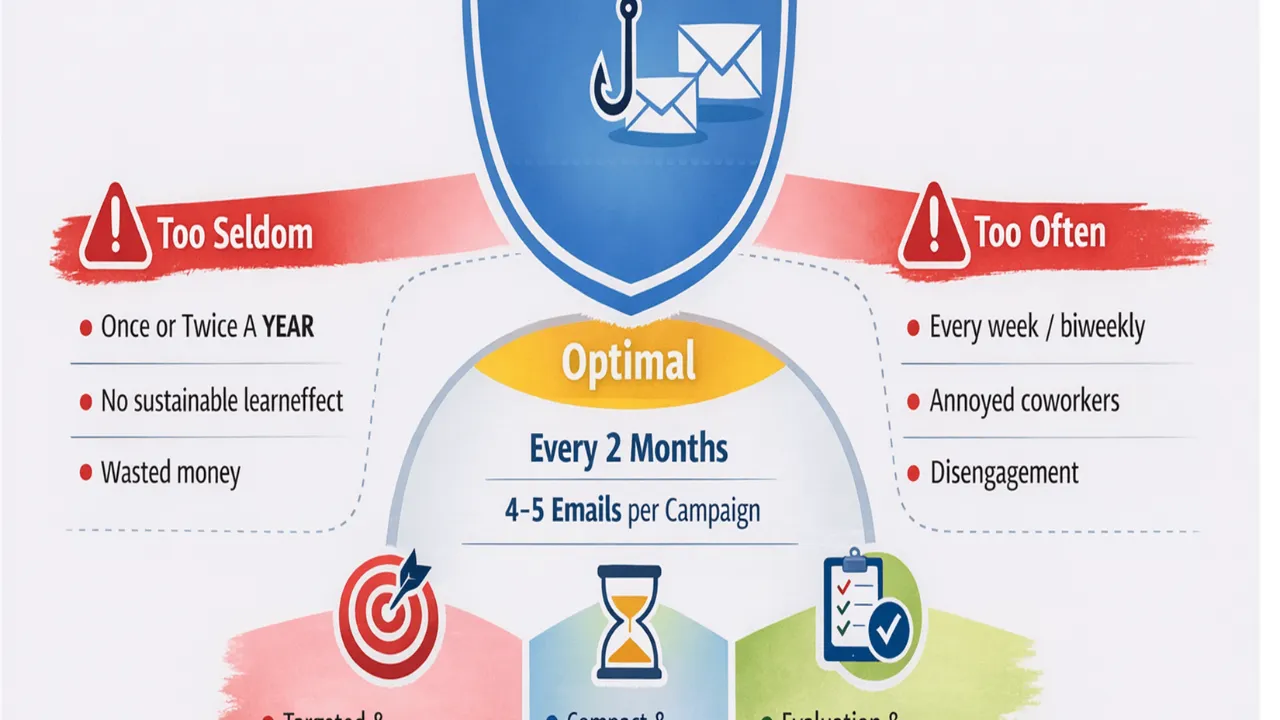
Infographic on phishing simulation frequency: once or twice a year is too seldom, weekly too often, every 2 months optimal
PhishingHow Often and How Fast Should I Phish My Colleagues in 2026?

How many phishing simulations to run and how often users should face cybersecurity eLearning is a recurring question in awareness programs – and far from academic. A sensitization effect begins to crumble after about three months, yet it would be dangerous to derive simple, universally applicable rules from that.